2D vs 3D Games in Unity Which Is Better for Beginners?
Unity is one of the most powerful and beginner-friendly game engines in the world. Whether you dream of building a simple mobile game or a visually rich PC experience, Unity gives you the tools to create both 2D and 3D games efficiently.
2D vs 3D Game Development in Unity A Complete Overview
Unity supports both 2D and 3D game development, making it one of the most versatile game engines for developers of all skill levels. 2D game development focuses on flat visuals using width and height, ideal for games with simple mechanics and fast development cycles. Unity’s 2D toolset such as Sprite Renderer, Tilemaps, and the 2D Physics Engine allows beginners to easily create engaging games like Hollow Knight, Celeste, Among Us, and Angry Birds. With lower system requirements and an easy learning curve, 2D development is often the first choice for new developers.
On the other hand, 3D game development adds depth, realistic environments, lighting, shadows, and dynamic camera movement, delivering immersive gameplay experiences. Unity’s powerful 3D engine supports advanced rendering pipelines, physics systems, and animation tools used in games like Temple Run, Subnautica, Pokémon GO, and Monument Valley.
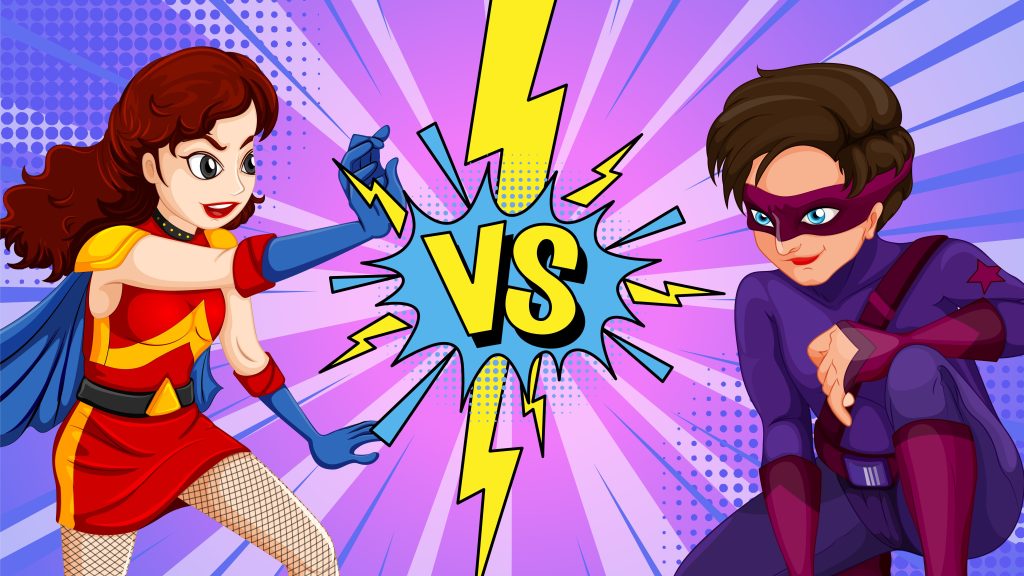
Essential Differences Between 2D and 3D Games in Unity
Learning Curve
2D is beginner-friendly with simple scripting, while 3D requires understanding cameras, lighting, physics systems, vectors, and math concepts.
Development Time
2D games allow faster prototyping and completion, whereas 3D games involve longer production cycles due to complex assets and systems.
Performance & Hardware
2D games run smoothly on low-end devices, while 3D games demand optimization, stronger GPUs, and higher hardware capabilities.
Asset Complexity
2D uses sprites and basic animations, while 3D requires detailed models, textures, materials, rigs, and complex animation workflows.
Visual Depth & Realism
2D focuses on artistic style and simplicity, while 3D delivers depth, realistic lighting, shadows, and immersive environments.
Gameplay Scope & Use Cases
2D suits casual, indie, and mobile games, while 3D is ideal for open-world, PC, console, and VR experiences.
Which Is Better for Beginners 2D or 3D?
For beginners, 2D game development in Unity is the best starting point. It offers a simpler learning curve, easier scripting, and faster results, making it ideal for newcomers with little or no programming experience. Unity’s 2D tools such as Sprite Renderer, Tilemaps, and 2D Physics allow beginners to focus on core gameplay mechanics instead of complex camera setups, lighting, or advanced math. Because 2D games require fewer assets and lower hardware power, beginners can quickly build, test, and publish games, boosting confidence and practical skills early on.
However, 3D game development in Unity becomes a strong option once beginners gain foundational knowledge. While 3D involves deeper concepts like lighting, physics, camera control, and optimization, it opens doors to more immersive gameplay and broader career opportunities.
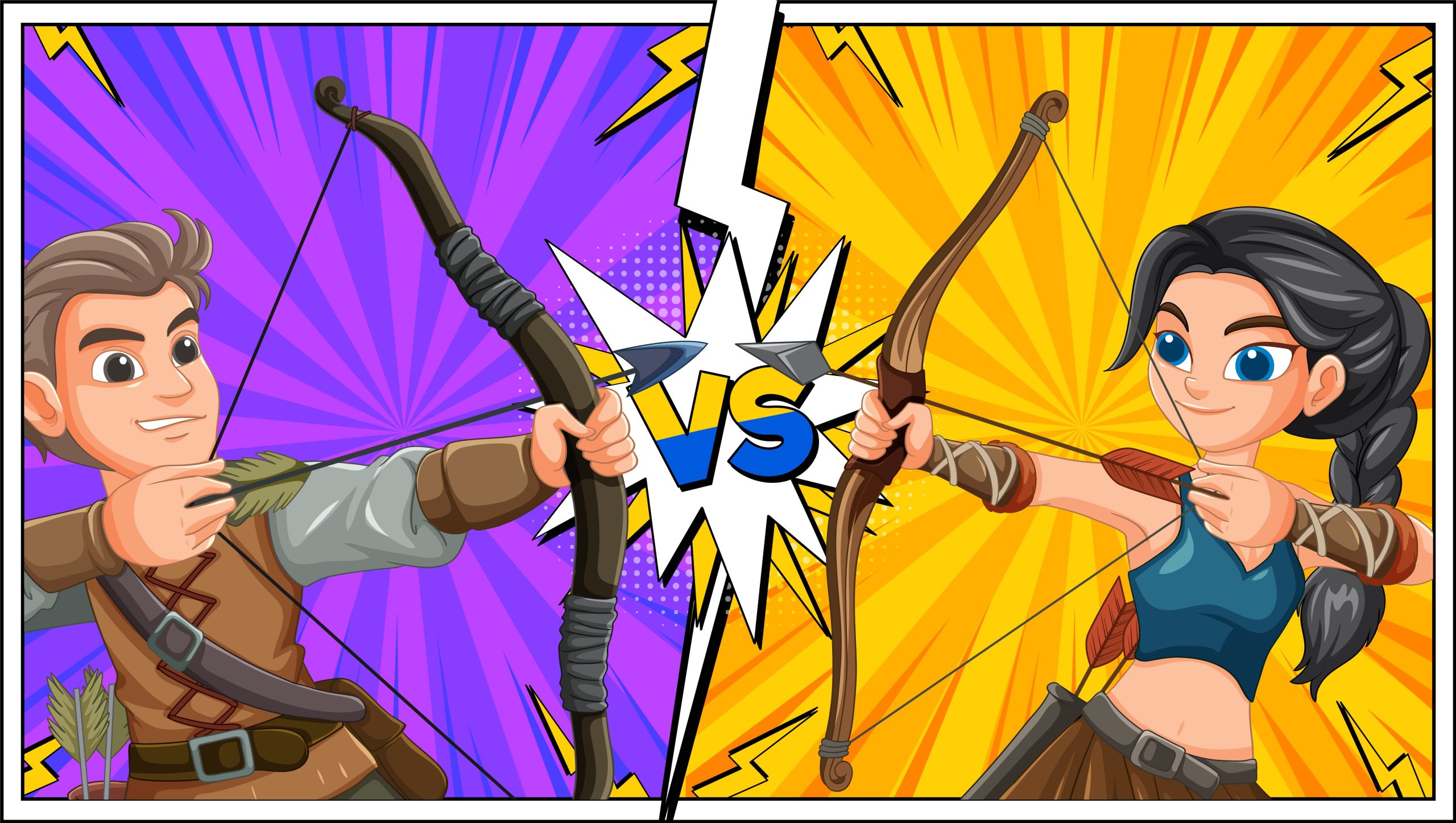
Performance & Optimization Considerations in Unity Game Development
Performance and optimization play a critical role in delivering smooth gameplay across devices. In 2D games, performance management is generally simpler because assets are lightweight and scenes are less complex. Developers mainly focus on optimizing sprite atlases, reducing overdraw, managing draw calls, and using efficient 2D physics settings. These practices help 2D games run smoothly even on low-end mobile devices and older hardware.
In 3D games, optimization becomes more complex due to real-time lighting, shadows, high-polygon models, and advanced physics calculations. Developers must carefully manage level-of-detail (LOD) systems, texture compression, lighting modes, culling techniques, and shader performance. Without proper optimization, 3D games can suffer from frame drops, long load times, and overheating on mobile or VR platforms.
Unity provides powerful tools to handle performance for both 2D and 3D projects, including the Unity Profiler, Frame Debugger, and Addressables system. Using these tools helps developers identify bottlenecks, manage memory usage, and improve frame rates. Proper optimization not only enhances user experience but also expands device compatibility, improves app store rankings, and ensures long-term game stability.

Tools & Assets for Beginners in Unity
Unity Editor
The main workspace for designing scenes, managing assets, testing gameplay, and controlling every part of game development easily.
Sprite Renderer & Tilemaps
Essential 2D tools that help beginners create characters, environments, and levels quickly using grid-based layouts and sprites.
Asset Store
Provides free and paid assets like models, sprites, sounds, scripts, and templates to speed up development and learning.
Visual Studio / VS Code
Integrated code editors for writing C# scripts with debugging, IntelliSense, error detection, and smooth Unity integration.
Prefab System
Allows reuse of game objects across scenes, making updates easier and helping beginners maintain organized, scalable projects.
Animator & Animation Tools
Used to create character movements, transitions, and visual effects without complex coding, ideal for beginner-friendly animations.
Frequently Asked Questions?
Unity is excellent for both, but beginners find 2D easier to start with due to simpler tools and mechanics overall.
Yes. Unity allows seamless transition once you understand the engine basics and core concepts like scripting and workflows properly well.
Yes, beginners can build, test, and publish 2D games faster due to simpler assets and shorter development cycles.
Basic games are possible using visual tools, but learning C# is essential for full control and professional game development.
Absolutely. Unity skills are in demand across gaming, AR, VR, simulation, and interactive media industries worldwide.